
Using MyStake on a phone safely
Start mobile access through MyStake’s web interface and check which functions are available in your territory. Its mobile interface provides access to the lobby and promotions. Browser access does not by itself authenticate a native app or its developer. Before installing any app or APK named MyStake, require a verifiable connection from the brand’s official channel.
- Catalogue
- Slots + Live + originals
- Devices
- Mobile and desktop
- Payments
- By country and account
- Age
- 18+ / local minimum
Browser, shortcut and native app are different
A browser opens the website without a casino installer. A home-screen shortcut stores an address and opens it with a tap. A native app is separate software distributed through a store or installer. Full-screen appearance alone does not tell you which format you are using.
A matching name or logo in search results does not establish that an app distributor represents the operator. Verify the originating link, developer identity, contact details and privacy policy against the official channel. If you cannot connect those details, use the browser rather than installing the file. This applies equally to store listings and APK downloads. To access or recover your account, follow Login.
| Format | Purpose | Verify |
|---|---|---|
| Mobile browser | Loads the web interface | Address and connection |
| Shortcut | Opens a saved address | URL before saving |
| Store app | Installs software | Official link and developer |
| APK | Installs outside a store | Origin and permissions |
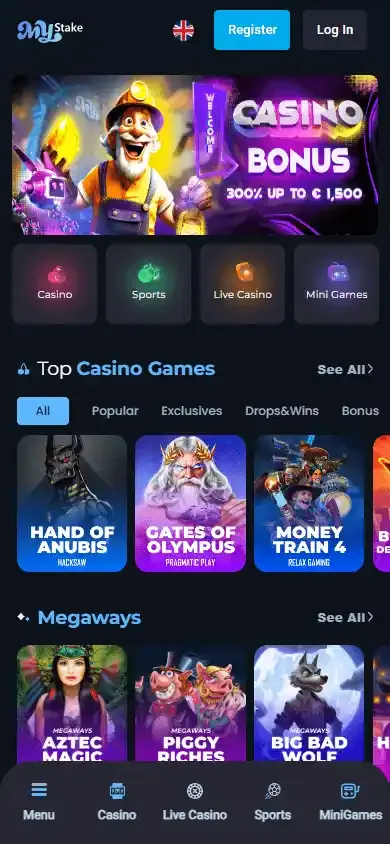
Add an entry point on Android or iPhone
Load the correct address in your usual browser. Android browsers commonly offer an add-to-home-screen option in their menu; iPhone Safari provides a corresponding option through Share. Wording depends on the system version. Check the address before saving the shortcut and open it once to confirm the destination.
The icon does not create another account or hold a separate balance. Sign in with your existing account and store the password in a protected manager. On a shared phone, avoid keeping a session open and sign out afterwards. A device lock reduces the chance that another person finds an active account through the shortcut.
- Open the site in your browser.
- Check address and permitted territory.
- Add a home-screen shortcut.
- Use your existing account.
- Sign out on shared devices.
Read the detailed steps in Register.
Games, cashier and document uploads on a small screen
Check navigation before starting: menu, game search and return to lobby. Live tables require continuous video, and sports selections require reading the whole market before confirmation. Rotate the phone where the game supports it or enlarge browser text when an amount or condition is too small.
Before uploading identification, check that the form belongs to your account’s verification area. Grant camera access only for the task you choose and review legibility. Cropped documents, glare or missing corners can delay assessment. Do not send documents to an unverified APK, unrelated contact or public review thread. For help resolving an issue, read Help.
Diagnose a frozen screen without duplicating actions
Identify whether the lobby, a particular table or cashier fails. Update the browser and system, close spare tabs and reload. If a bet or payment was in progress, inspect the history first: refreshing does not necessarily cancel it, and pressing again could create another request.
Try a stable alternative connection to distinguish a network fault from a device problem. Avoid public networks when entering payment or document information. For a persistent fault provide phone model, operating system, browser, time and affected screen. Hide email, balance and personal details that support does not need in screenshots.
Read the detailed steps in Login.
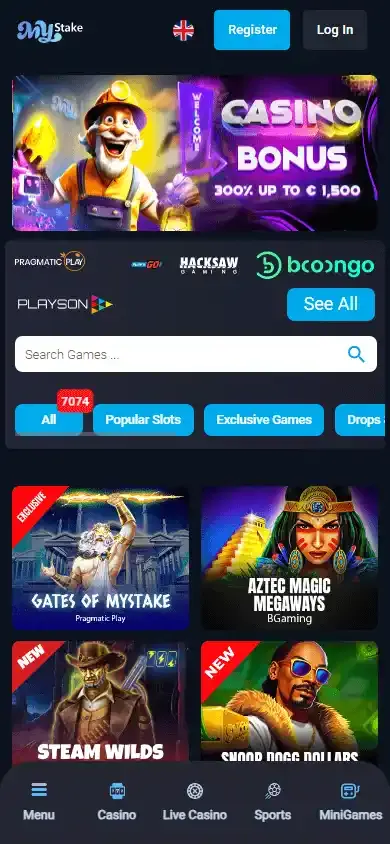
MyStake gallery
Frequently asked questions
Is a native official app confirmed?
MyStake has a mobile interface. Authenticating a native app requires checking its developer and the connection between its listing and the official channel. Verify a download link through the official channel.
Do I need an APK?
Not to open the web interface. Start with a compatible phone browser and use the functions available to your account and territory.
Does a shortcut work offline?
No. It provides an entry point to the site. Games, account functions and cashier require a connection.
Why does a mobile game close?
Memory, connectivity or a game fault can be involved. Check history before restarting an operation and record device, browser and error time.